Premium Features
Premium Features & Pricing
Compare the free tier vs one-time Card Packs, pricing details, and how packs work.
Read more →Voice Messages
Record a personal voice message that plays when your recipient opens the card.
Read more →Video Messages
Add a video message or use Signature Cards with animated video covers.
Read more →Card Protection
PIN locks, email verification, single-view cards, and view-only mode.
Read more →The Card Envelope
The sealed envelope your recipient opens — and the Studio where you design the paper, stamp, seal and handwriting.
Read more →Scheduling Delivery
Schedule cards to arrive at the perfect date and time.
Read more →Cards & Photos
Watch a card being made
From picking a design to a link you can text, in under two minutes.
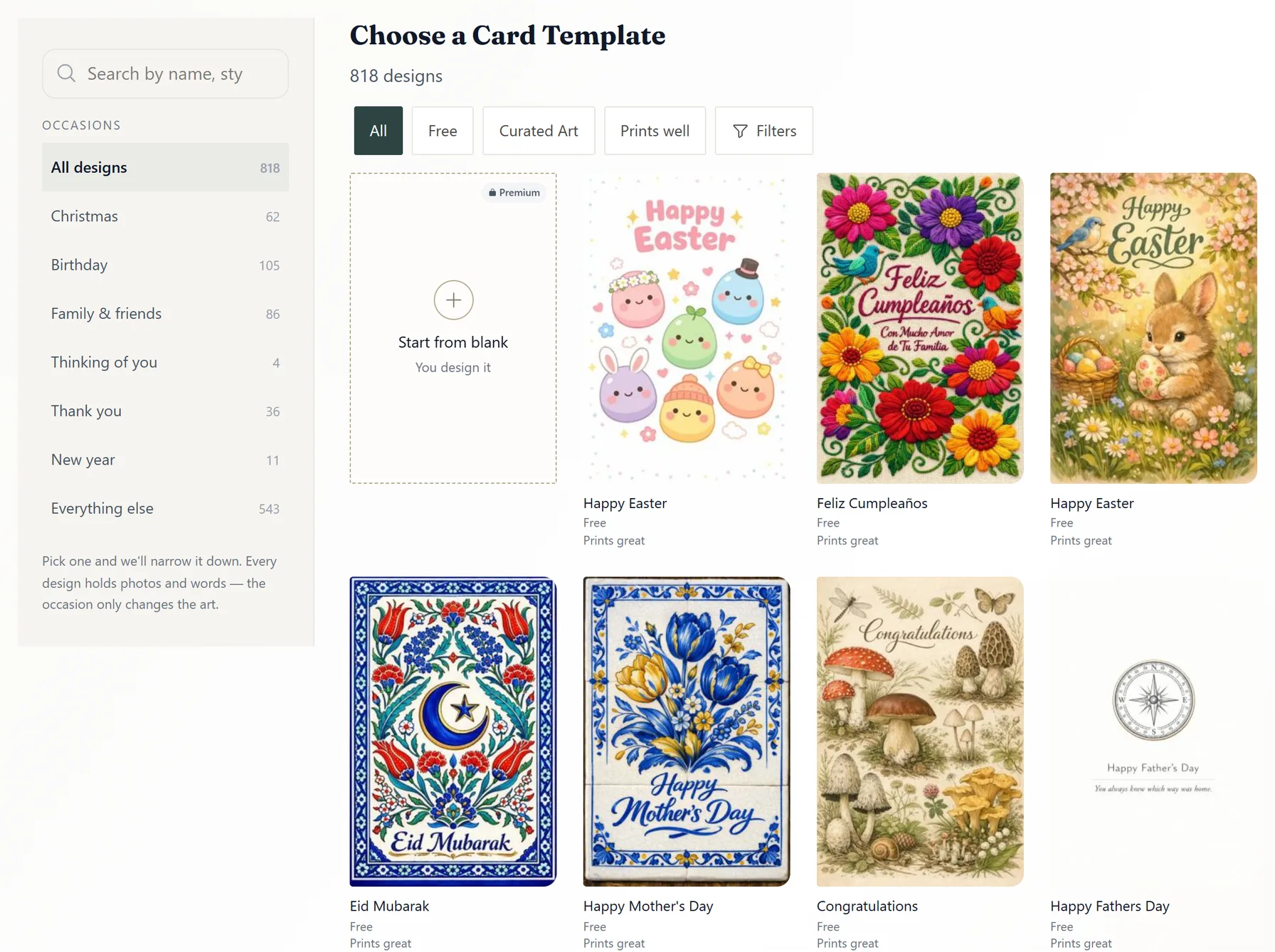
Pick an occasion, then a design. Curated designs use one credit; hundreds are free.
Add photos. They travel at full size, big enough to print at home.
Write the words: a greeting, your message, your name. Drag anything to where it looks right.
On a Card Pack card, choose the envelope — paper, stamp, wax seal. Then Create Card and share the link.
Tutorials & Guides
How to Create a Card
Step-by-step guide with video tutorial.
Read more → GuideWhat Your Recipient Sees
The full experience from link to photos falling out.
Read more → GuideThree Months of Cards in One Evening
The batch routine for scheduled cards, and the timing rules worth knowing.
Read more →