How to Add a Voice Message to Your eCard
Record up to 30 seconds that plays when your recipient opens the card. Free on every card — it's like whispering a message into a real greeting card.
Where to Find It
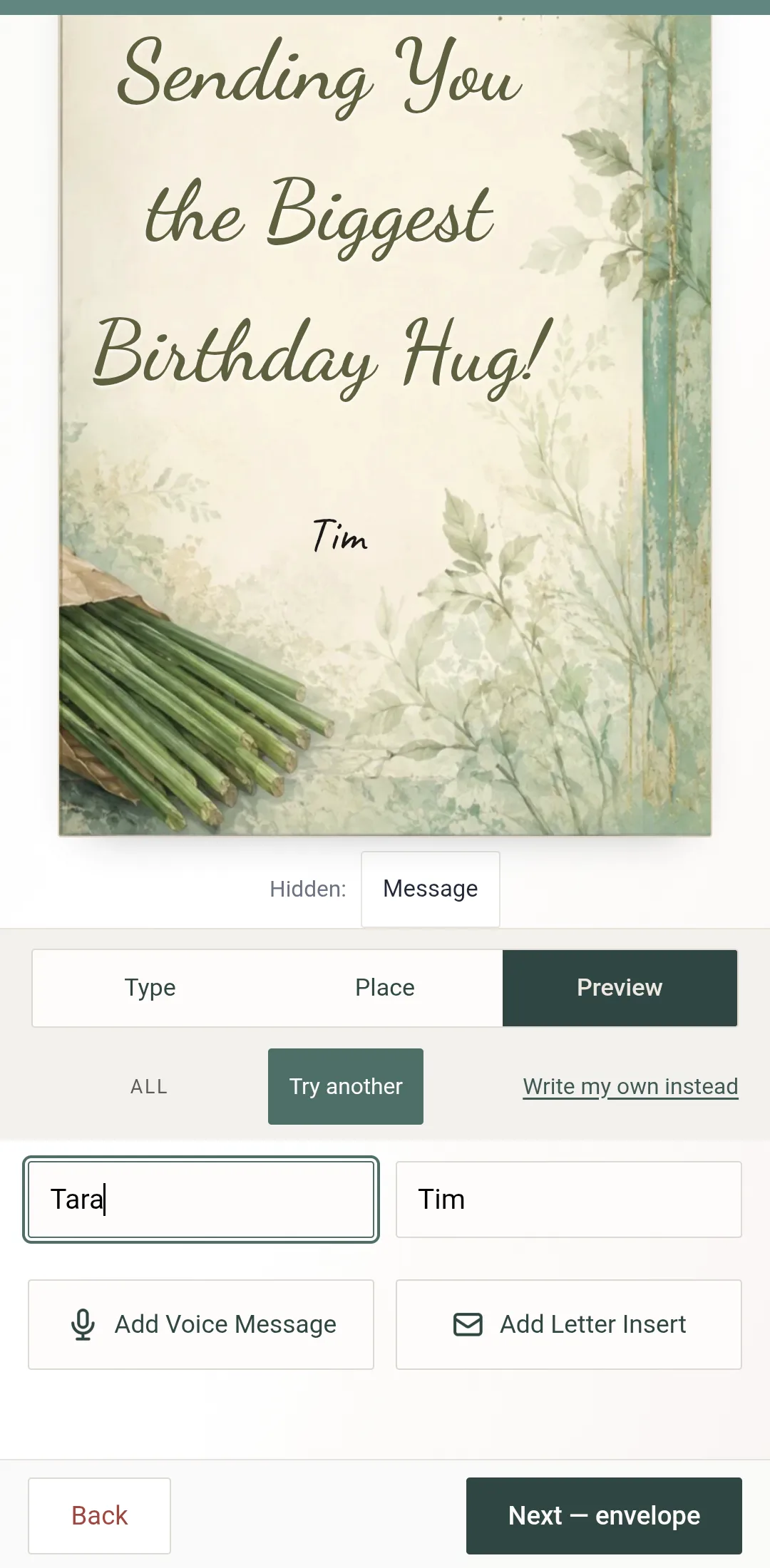
On the Make it step, write your words, then open the Preview tab.
Under the To and From names, tap Add Voice Message. It sits beside Add Letter Insert.
Once a recording is attached the button reads Voice Added; tap it again to listen, re-record or remove.
How to Record
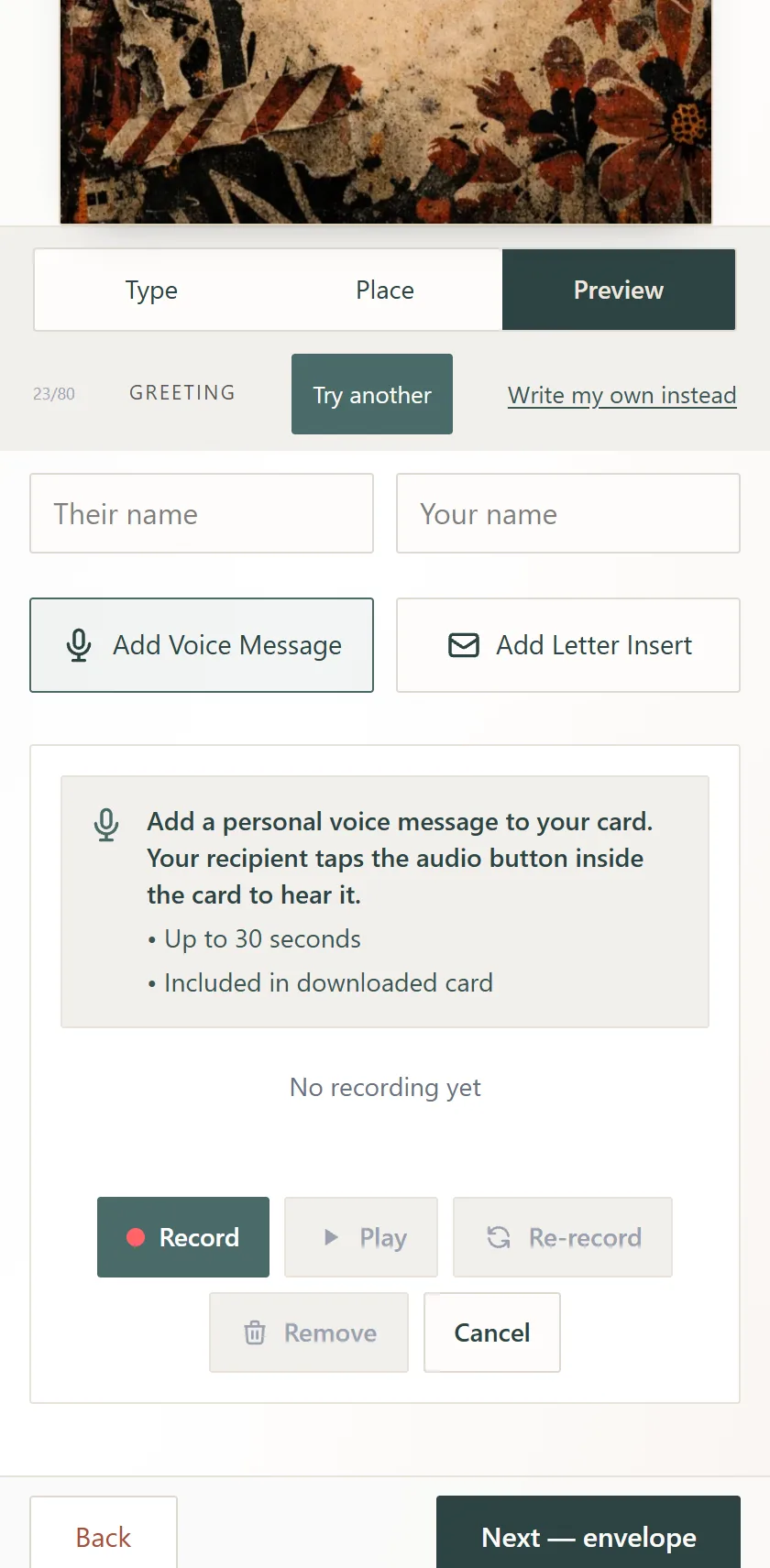
Tap Record. The first time, your browser asks for microphone permission — allow it.
Speak. A countdown runs from 30 seconds.
Tap Stop when you are done, then Play to hear it back.
Not happy? Re-record. Happy? Done attaches it — the panel says Voice Message Ready.
Cancel backs out without a recording; you can add one later, any time before you create the card.
What Your Recipient Hears
When they open the card there is an audio button inside it. They tap it and hear you. The recording is included in the downloaded card too, so it plays with no internet — and for grandparents it is frequently the part they replay.
Tips for a Great Recording
Find a quiet spot
Background noise is the thing that makes a message hard to hear.
Say the specific thing
Their name, one memory, one line you would say in person. Twenty seconds is plenty.
If your browser cannot record
The recorder tells you so. Try another browser on the same device, or your phone.
File size
Recordings are capped at 512 KB. A 30-second message fits.
Frequently Asked Questions
How long can a voice message be?
What if my recording sounds bad?
Does my recipient need an app to hear it?
Is the voice message in the downloaded card?
Is it free?
Related Help
Try Voice Messages
Add a personal voice message to your next card — free, no account needed.
Create Your Card