Downloading Cards & Photos
Every photo downloads at the size it was uploaded, up to 8MB. Entire cards can be saved as self-contained files that work offline forever.
Downloading Individual Photos
Open the card and watch the photos fall out.
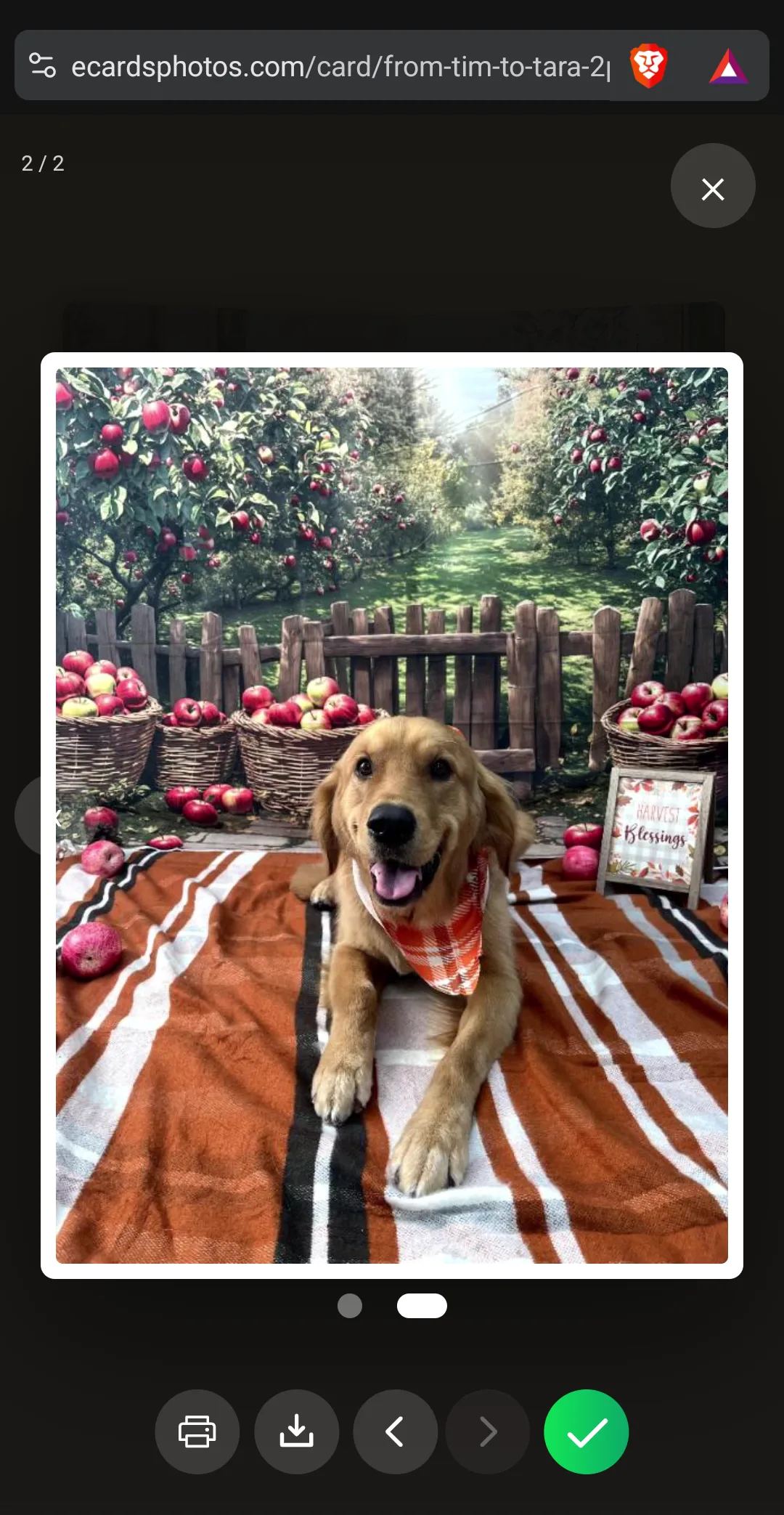
The first photo appears full-screen in a gallery view. Use the arrow buttons (or swipe on mobile) to browse all photos.
Tap the Download button (downward arrow) in the bar under the photo to save it at the size it was uploaded.
To print directly, tap the Print button (printer icon) beside it.
When finished, tap the green Done check or the X to close the gallery. Tap any photo on the card to open it again.
Downloading the Entire Card
Open the card. Below it, find the Keep Card button.
Tap Keep Card. A percentage counts up while the card is packed into a single file (a few seconds for cards with many photos).
Your browser saves one self-contained HTML file, named after the card's link — like from-sarah-to-mom-2pbe.html.
When it says Card Saved!, you can also download the cover image to use as an icon or keepsake.
Open the file anytime in any browser — no internet needed. The envelope, the card and every photo are all inside it.
The downloaded file contains everything: design, message, all photos at full quality, voice and video messages, letter inserts, and animations. It's a complete, permanent keepsake.
Download Limits
| Free | Card Pack | |
|---|---|---|
| Total downloads per card | 100 | 500 |
| Downloads per hour per person | 5 | 10 |
| Lifetime downloads per person per card | 20 | 50 |
Card Expiration
| Free | Card Pack | |
|---|---|---|
| Card life (online) | 60 days | Life of your account |
After expiration, the online link stops working. But downloaded cards work forever.
Tip: Encourage your recipient to download the card before it expires so they can keep it forever.
Frequently Asked Questions
Are photos compressed when downloaded?
Does the downloaded card need internet?
What happens when a card expires?
Are there download limits?
What if View Only mode is enabled?
Related
Create a Card Worth Keeping
Full-quality photos your recipients can download and print forever.
Create Your Card