Print & Send: Order a Real Printed Copy of Your Card
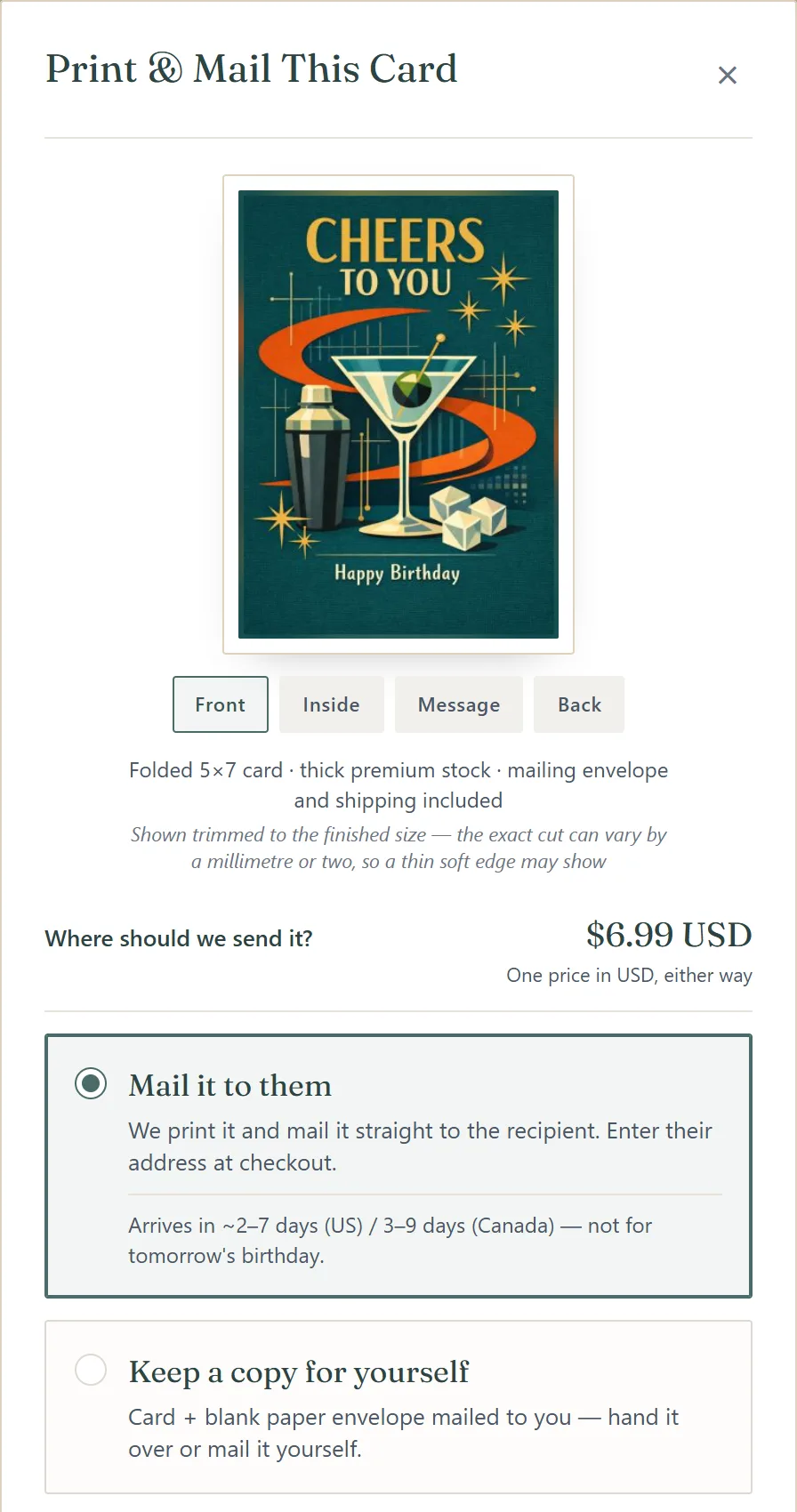
Turn any eligible card into a real, folded 5×7 card printed on thick premium stock — mailing envelope included. We can mail it straight to your recipient, or send you a copy to hand over yourself.
Two Ways to Order
Mail it to them
We print your card and mail it directly to the recipient — you enter their address at checkout. It typically arrives in about 2–7 days in the US and 3–9 days in Canada.
Keep a copy for yourself
The printed card and a blank paper envelope are mailed to you — hand it over in person or mail it yourself, on your own schedule.
One price in USD either way, shown before you pay. No Card Pack is needed — any card you made can be printed, free ones included.
The QR Code on the Back
By default, the back of the printed card carries a small QR code. The paper card is the keepsake; the QR opens the digital card — photos, video, and letters the paper can't hold.
Prefer not to link the card? Switch the QR code off during ordering: the back then carries a small eCards Photos mark and a small QR that opens ecardsphotos.com instead of your card.
The digital card stays online. Printed cards keep their digital companion live for the life of eCards Photos — they never expire like regular free cards. And the downloaded card file is yours forever, offline.
Who Can Order
Print ordering is available to:
- ✓Any signed-in account holder — guests can create cards, but printing needs an account
- ✓For cards they created — you can only order prints of your own cards
- ✓While the card is active — order any time before the card expires
A video or Signature card prints its cover image as the front. Sealed cards can't be printed — they are encrypted end-to-end, so our print partner can never see them. Business plans include prints.
How to Order
Find Print and Mail: on the screen after your card is created, on the card's own page, in the card's ••• menu on your dashboard — or read about it under Printed & mailed while you are still making the card.
Check the preview: Front, Inside, Message and Back, trimmed to the finished 5×7.
Choose Mail it to them or Keep a copy for yourself, and pick the country — US or Canada.
Decide whether the back carries the QR code to the digital card.
Enter the recipient's name and full address, and your own name for the return address (saved to your profile for next time).
Tap Continue to checkout — the price is on the button — and pay on Stripe's secure page. You get a confirmation email, and the order appears under Print orders on your dashboard.
Orders can't be cancelled once they've gone to print — and they go to print quickly after checkout.
Delivery estimates aren't guaranteed — if the card is for a birthday or another fixed date, order early.
Prices are shown at checkout. After any Card Pack purchase, your first printed card comes at a reduced price.
Frequently Asked Questions
When will it arrive?
Can I cancel a print order?
What if it arrives damaged?
Which cards can be printed?
Does the digital card expire after I print it?
Do I need a Card Pack to print?
Arrived damaged, misprinted, or lost in the mail? Email us at support@ecardsphotos.com and we'll make it right.
Related
Send Something They Can Hold
Create a card, then order a printed copy — mailed to them, or to you.
Create Your Card