Card Protection Options
Control who can open your card and what they can do with it: a PIN, email verification, a single view, or no downloads.
Keep It Private
Every card opens for anyone who has the link. Keep It Private, on the Send step, changes that: switch it on and pick a protection level — a PIN, a check that the person opening it is who you addressed it to, one view only, or no downloads. It is a Card Pack feature.
Three presets cover almost every case; Custom opens every switch. The recipient sees the restriction before the card, you can unlock the card any time from your dashboard, and a downloaded copy cannot enforce any of it — protection lives on the link.
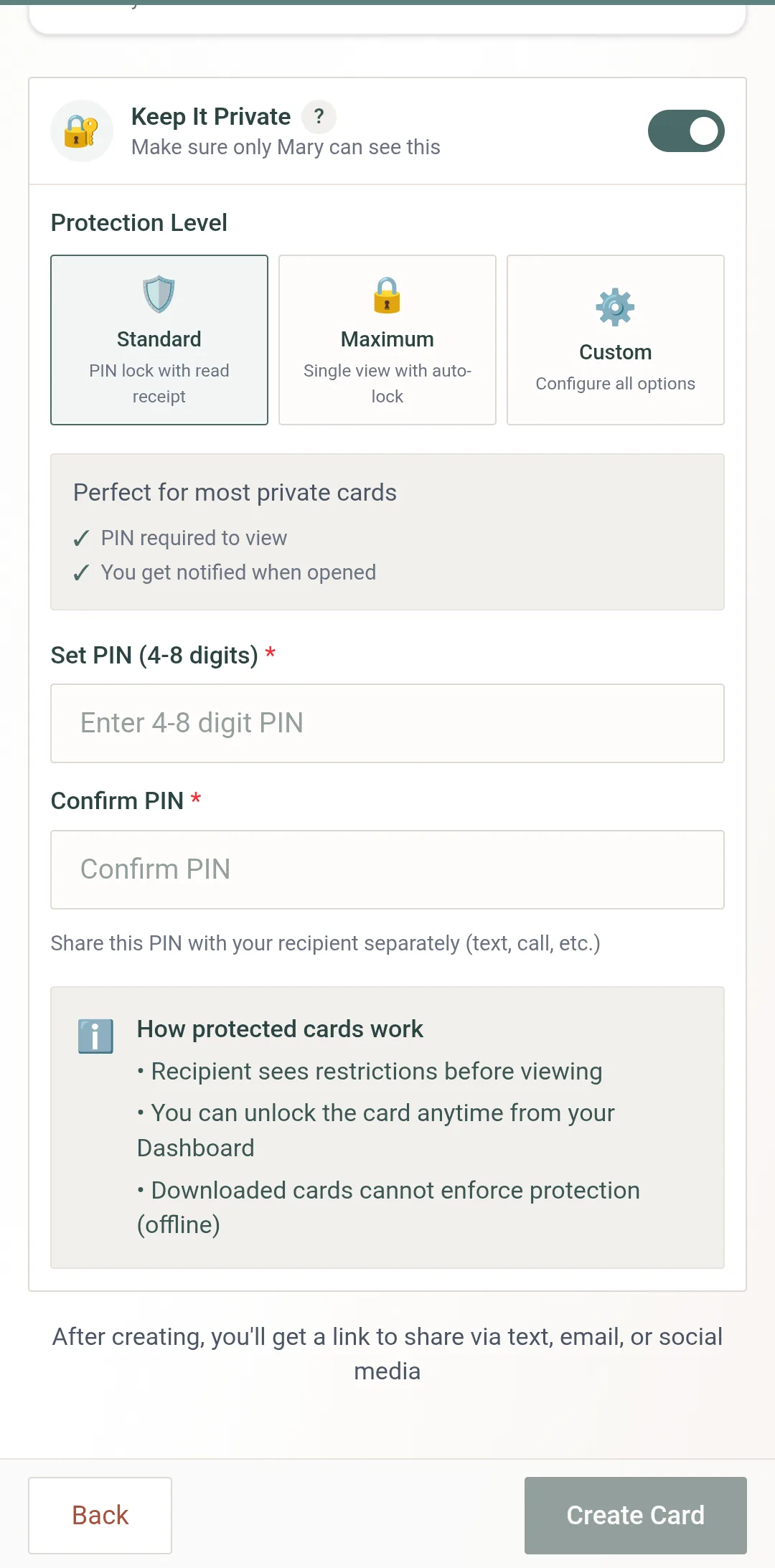
Standard — a PIN and a read receipt
Switch Keep It Private on and leave Standard selected.
Set a PIN of 4 to 8 digits and confirm it. Digits only.
Tell them the PIN some other way — a text, a call. Never in the same message as the link.
Create the card. They see a Protected Card screen and enter the PIN to open it; you get notified when it is opened.
Five wrong guesses lock the card for 30 minutes. Unlock it from your dashboard if that catches the right person with a typo.
Maximum — for surprise reveals
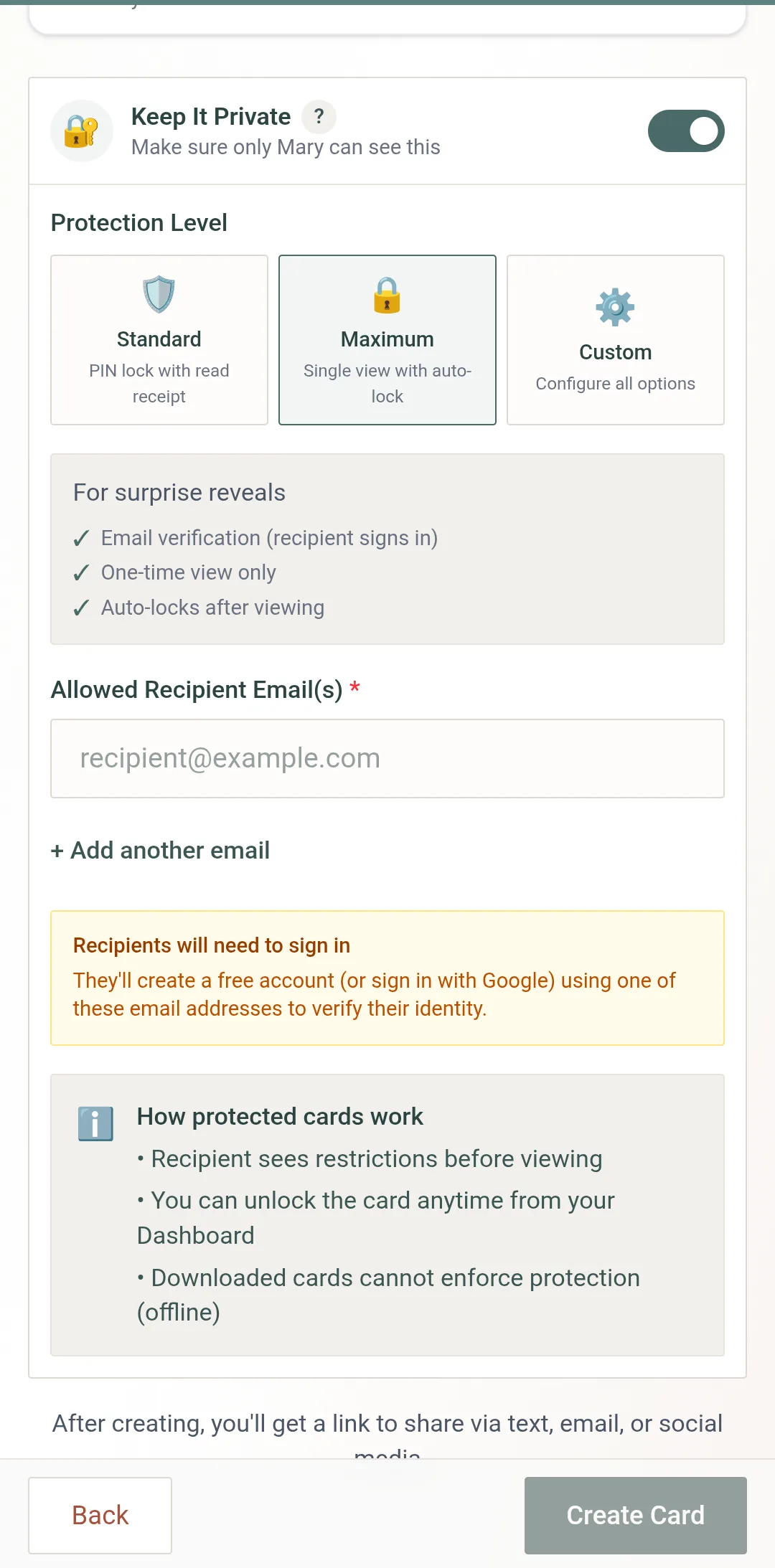
Maximum is for a card that should be seen once, by one person. Enter the allowed recipient email(s) — up to ten — and the card can only be opened by someone signed in with one of those addresses. They create a free account or sign in with Google; the address is the identity check.
It is also one view only: after that single viewing the card locks itself. If they need to see it again, Unlock it from your dashboard and it grants one more.
Custom — every option, your mix
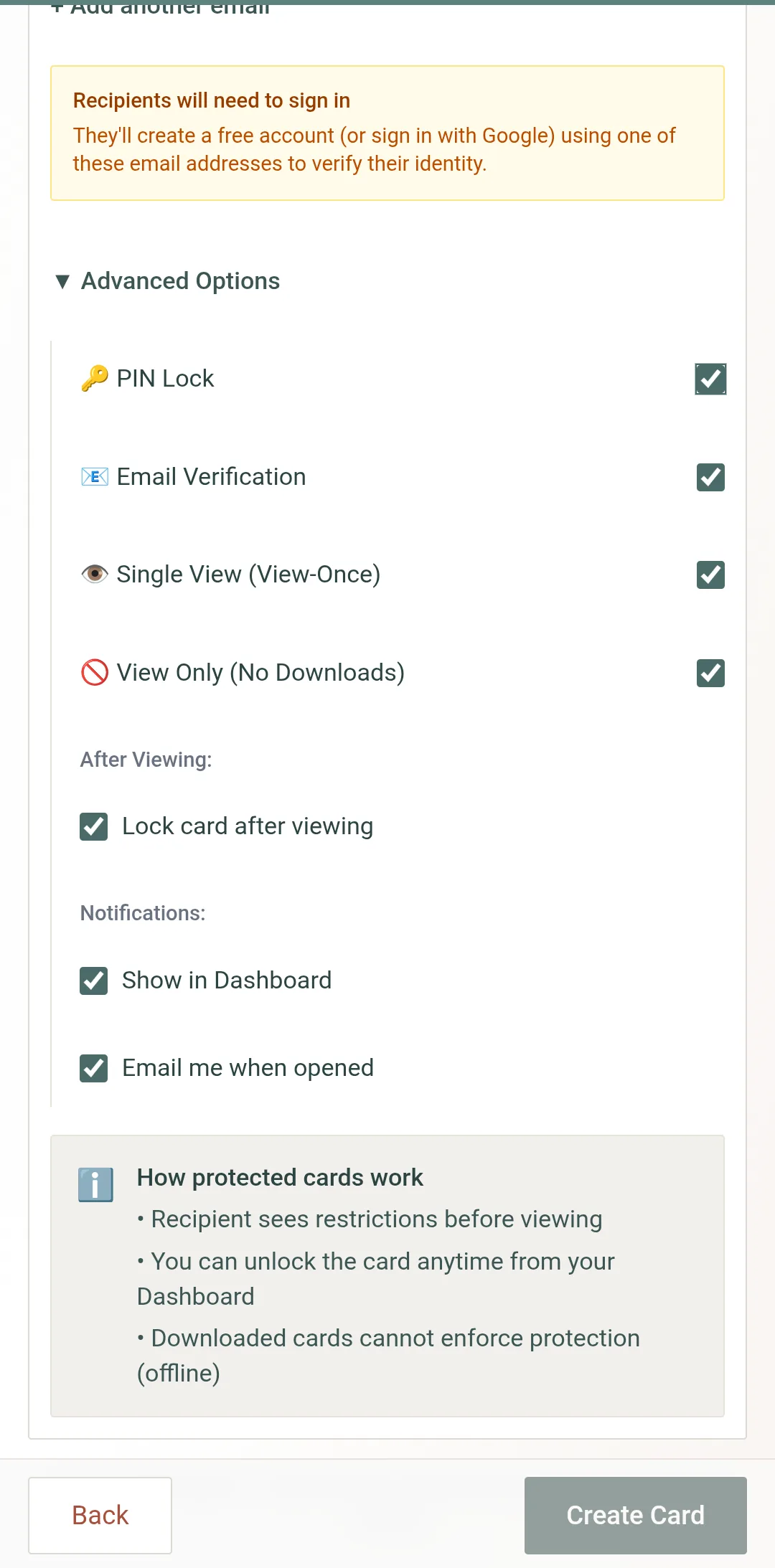
Custom shows the same email field, then Advanced Options with each protection on its own switch:
PIN Lock
A 4–8 digit PIN, entered before the card opens.
Email Verification
Only the allowed addresses can open it, signed in.
Single View (View-Once)
Locks after one viewing; Unlock grants one more.
View Only (No Downloads)
Removes the download and print buttons.
Under those: Lock card after viewing, and two notifications — Show in Dashboard and Email me when opened.
What the Recipient Sees
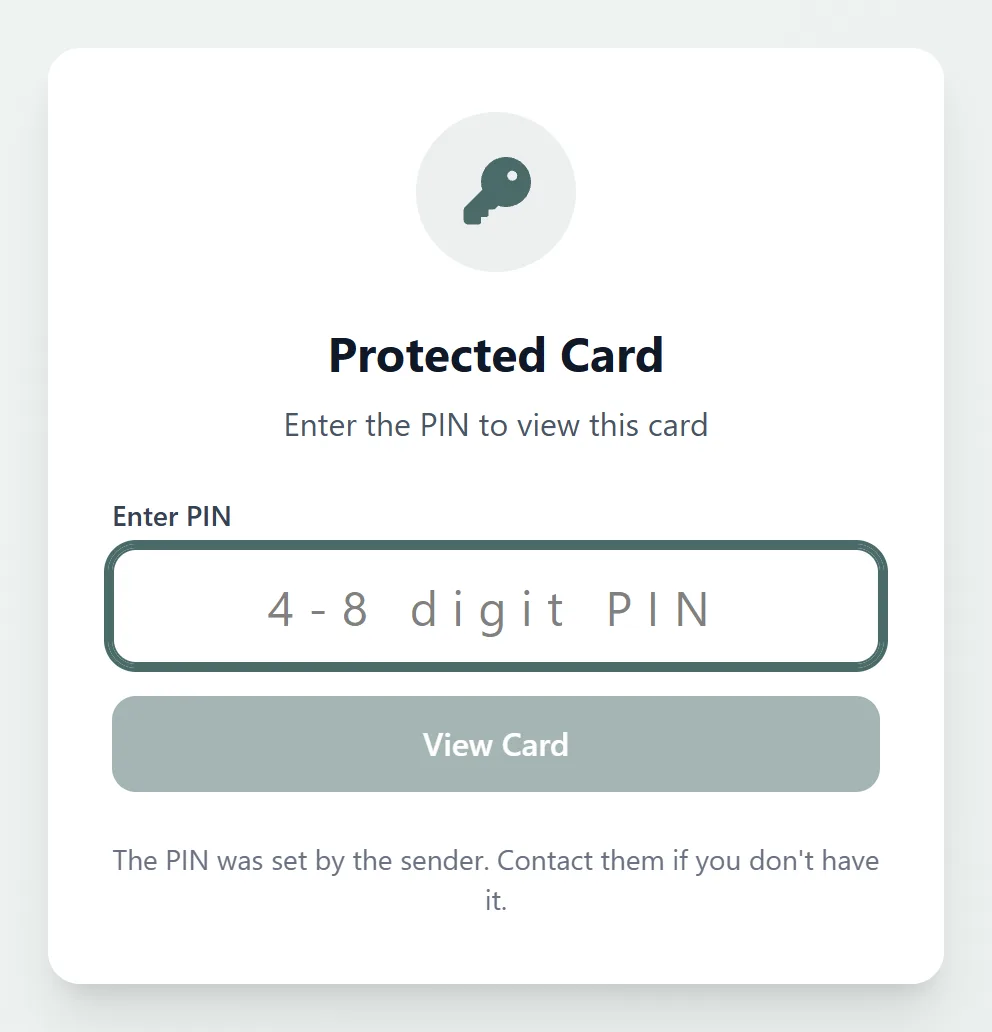
A PIN card opens on a Protected Card screen with one field. An email-verified card asks them to sign in with an allowed address first. Either way the restriction comes before the card, so nothing is shown until it is met.
Managing a Protected Card
From the card’s ••• menu on your dashboard:
- ✓Access Log — who opened the card and when
- ✓Edit recipients — add or remove allowed email addresses
- ✓Unlock — reopen a card locked by a wrong PIN or by single view
Frequently Asked Questions
What happens after a wrong PIN?
Can I combine the options?
Does the recipient need an account?
Does View Only stop screenshots?
Can I change protection after creating the card?
Is a protected card the same as a Sealed card?
Related Help
Protect Your Cards
Get a one-time Card Pack and keep your cards private with PIN, email verification, and view-once protection.
Create Your Card